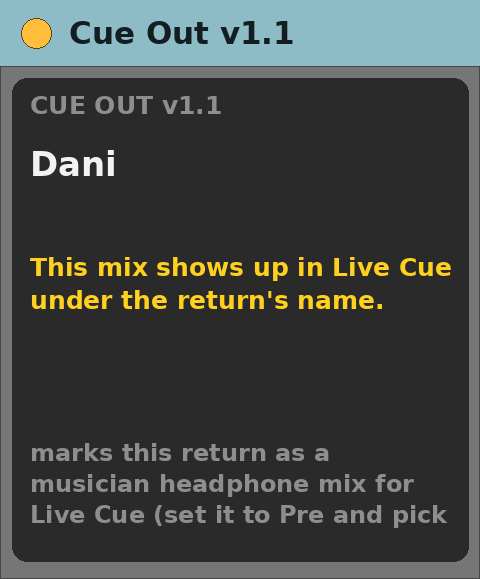
Cue Out v1.1
Audio effect for Ableton Live 12 (Max for Live)
Marks a return track as one musician’s headphone mix for Live Cue.
Free, provided as is. Built for one working live rig and shared in case it is useful to you.
What it does
- Tells Live Cue, once a second, that this return is a headphone mix.
- Sends the level of what leaves the return, so the musician sees their own meter.
- Shows 🎧 and the return’s name, and warns in yellow if it ends up on a normal track.
The device panel
- A display with the return’s name.
Requirements
- Ableton Live 12 Suite (Max for Live included)
- Max 9.2 or newer
- macOS (built and tested on Apple Silicon)
- Live Cue in the same Live Set
Install
- Unzip.
- Copy
Cue Out v1.1.amxdinto your Ableton User Library (for exampleUser Library/max dani/). - In Live’s browser, find it under User Library and drag it onto a track.
Setting it up
- Drop it into the return track that feeds a musician’s headphones.
- Name the return after the musician — that name is what they see.
- Switch the return to Pre and choose the output in Audio To.
Known limits
- Only works on a return track.
- Remove it and the mix disappears from the phones immediately — that is on purpose.
Version
- v1.1 — current release.
Support
No support promised, but bug reports are welcome. Say what you did, what you expected and what happened, with your Live and Max versions.