VS Archive Converter
Free, open-source macOS converter for Roland VS-1680 backup CDs and ISO and IBP/IBQ disc images. Extract multitrack WAVs or export to Ableton Live, Logic Pro and Pro Tools.
VS Archive Converter 0.9 is free and open source. It is a fully independent project with no affiliation, sponsorship, or endorsement from Roland. Source code and licences are included with the app. The converter is distributed under LGPL-3.0-or-later and uses Randy Gordon’s RDAC decoder.
Requires macOS 14 Sonoma or later on an Apple Silicon or Intel Mac. Direct CD reading requires a USB optical drive and macOS Full Disk Access. Source discs and images are accessed read-only.
From backup to track preview
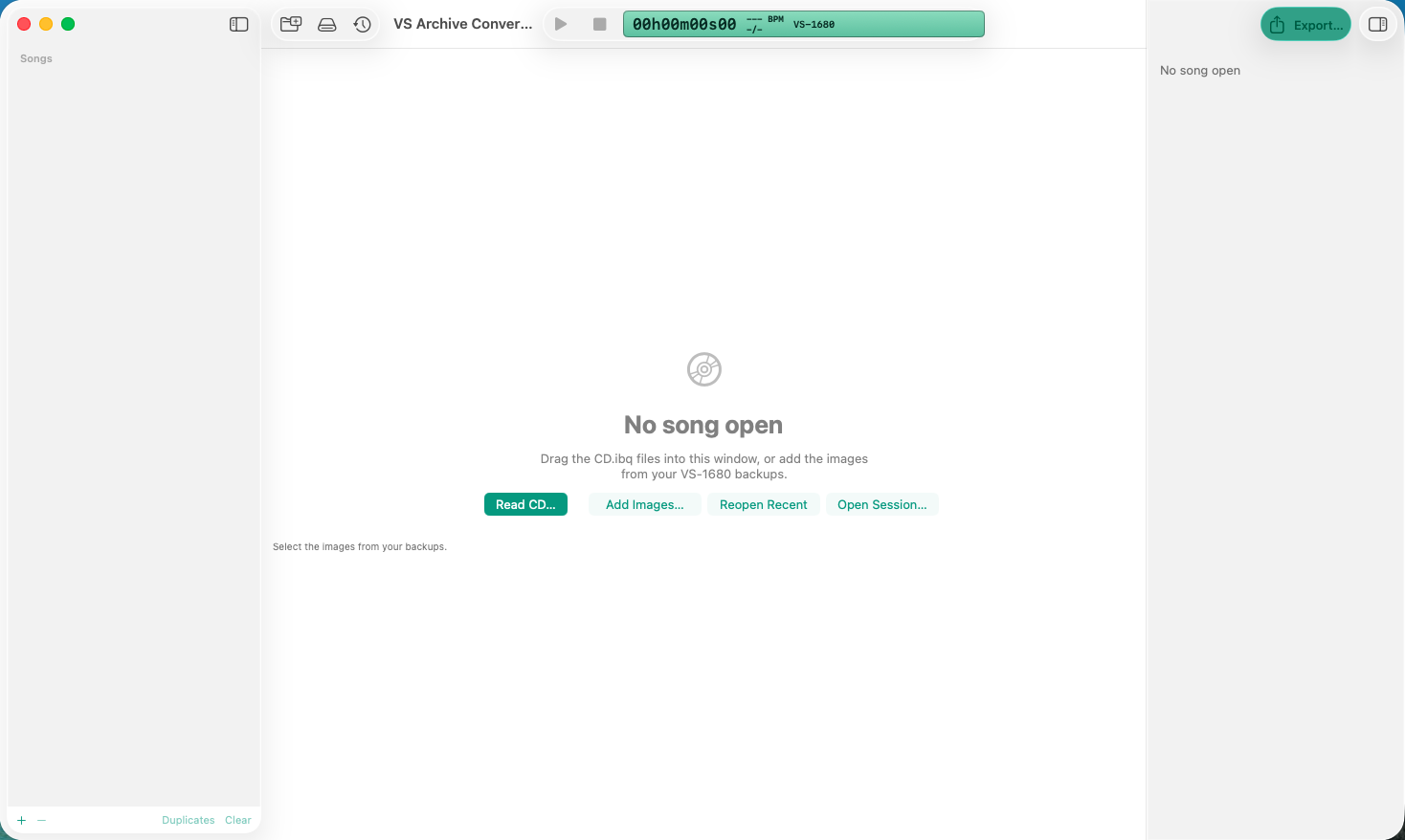
Getting started
Use Read CD to create a backup image or Add Images to open existing VS-1680 backup images, including .iso and IsoBuster CD.ibq + CD.ibp pairs. For a backup spread across multiple CDs, add all the images and the app joins them. Reopen Recent reloads recent images and Open Session restores a saved workspace.
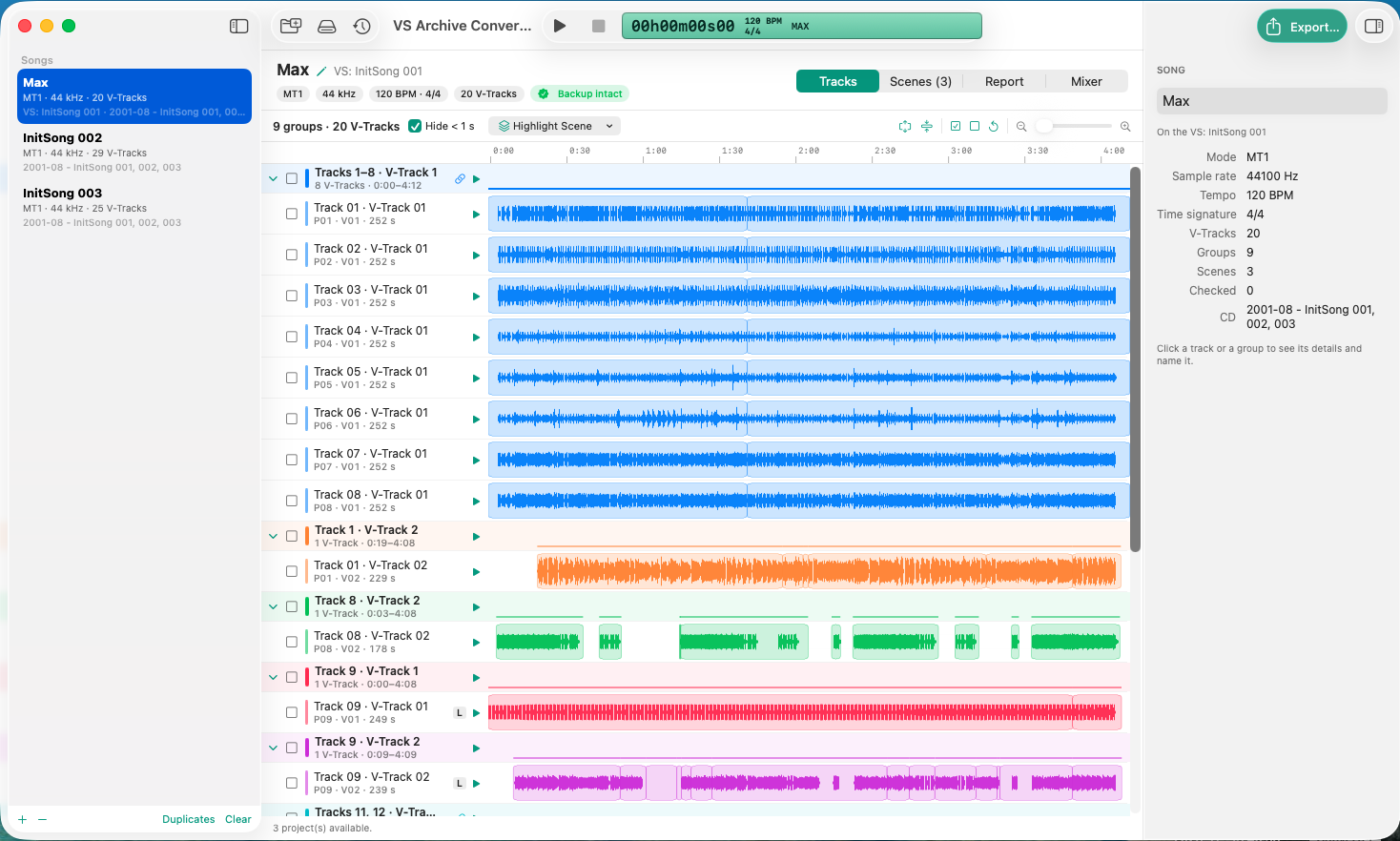
Tracks
Choose a song on the left. The timeline shows waveforms for each V-Track, including alternate takes. Colours group tracks recorded together. Play a track or group, check tracks for export, and inspect the selection in the panel on the right.
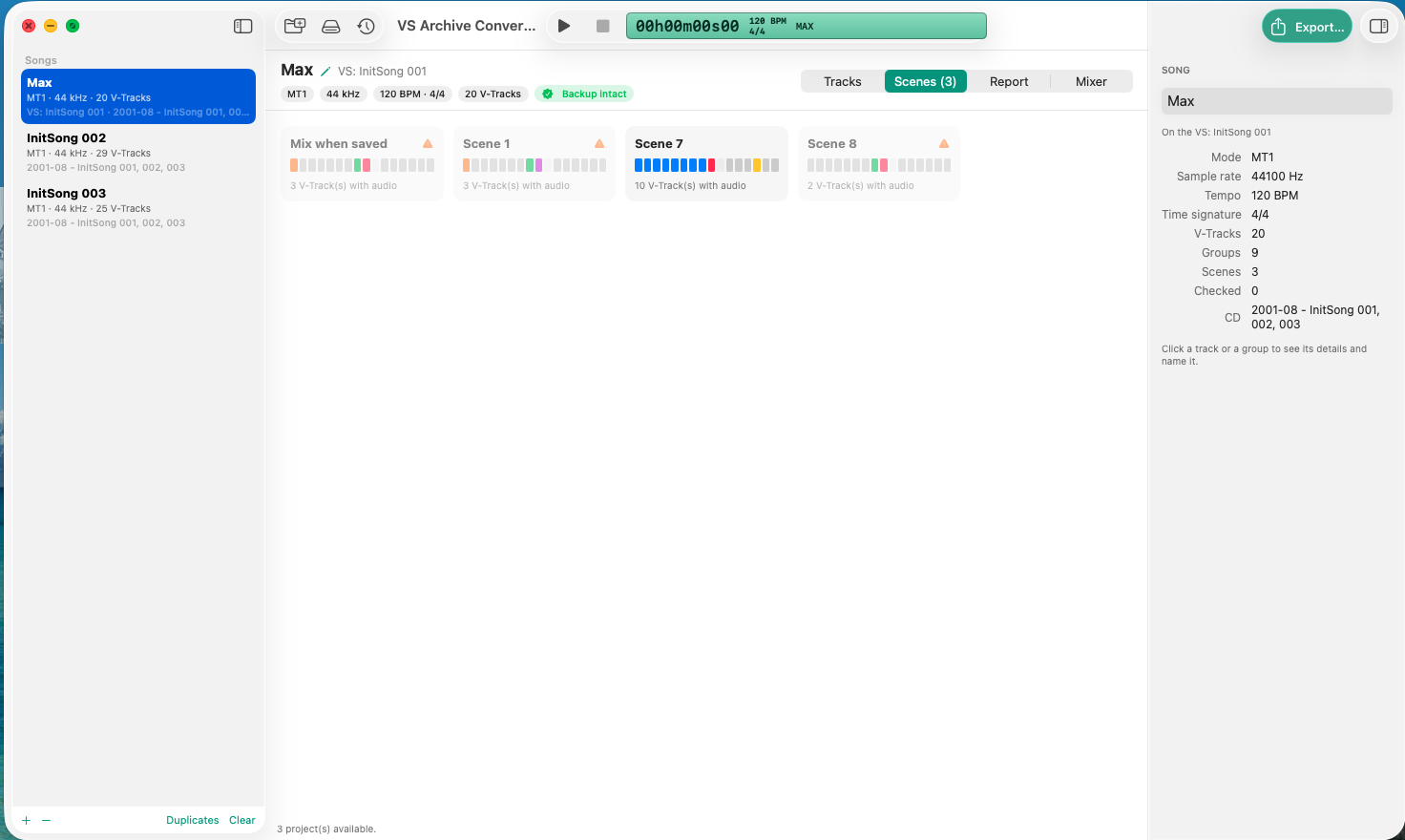
Scenes
Each card shows the V-Tracks a scene used. Mix when saved shows the V-Track selection when the song was last saved. Open a card to play, highlight, or check its tracks for export.
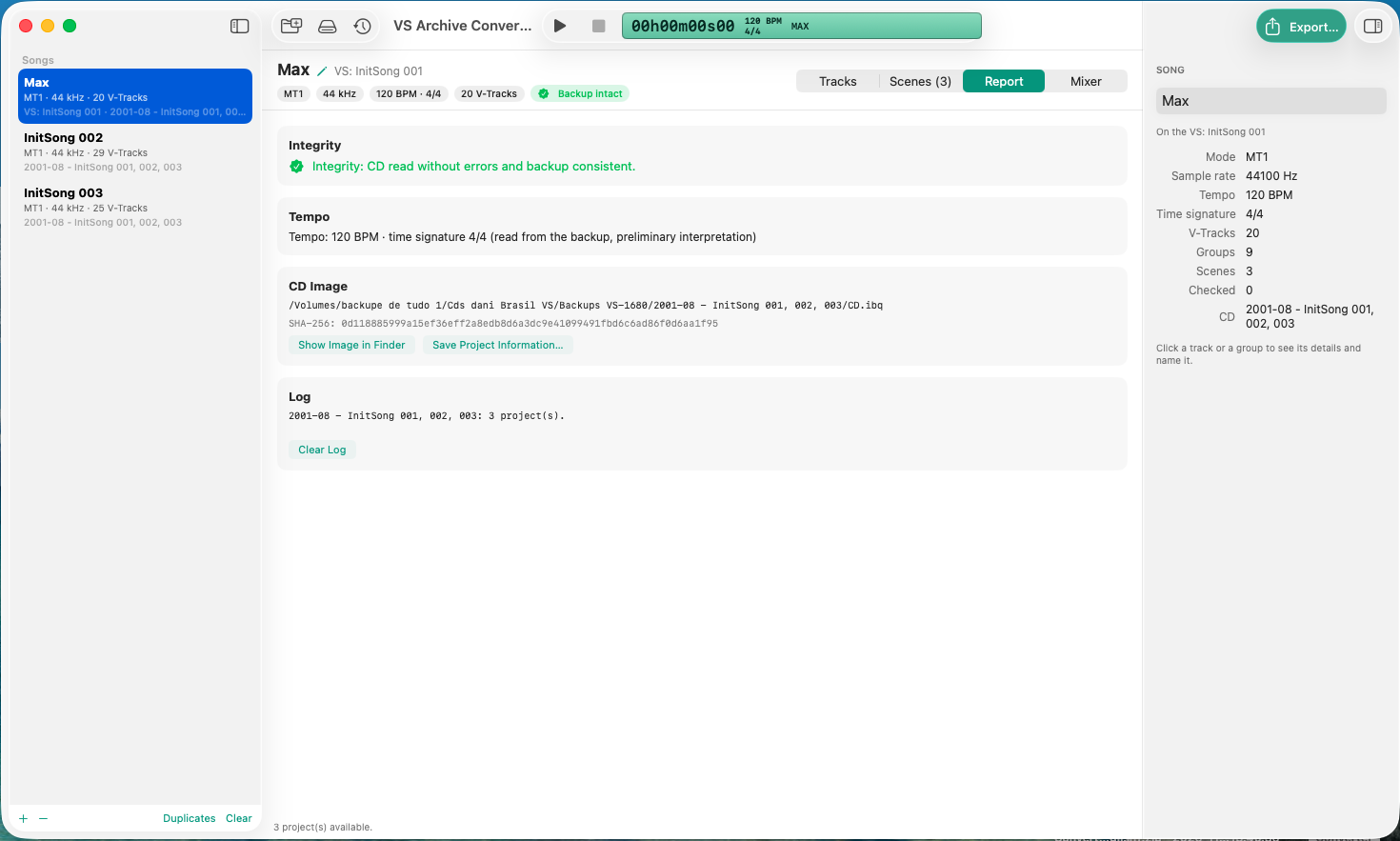
Report
Review backup integrity, the BPM and time signature read from the backup, the source image, and the activity log. When unreadable regions are identified, the report lists the tracks and time ranges that will export as silence.
Mixer
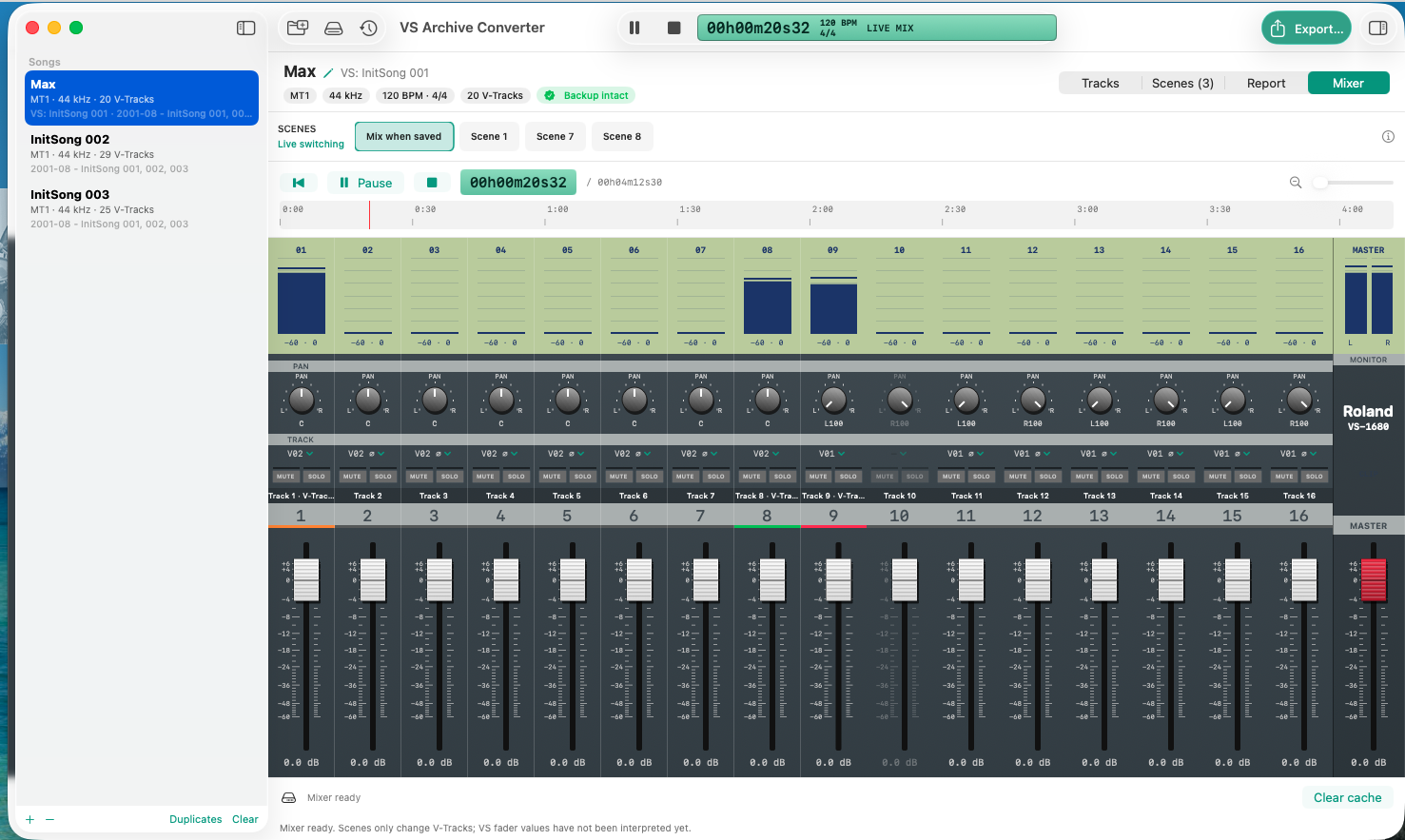
Audition the tracks together through 16 channels and a master. Adjust level, pan, mute, and solo in the preview, or switch scene V-Tracks during playback. Recovery delivers the recorded audio without recreating VS effects, fades, or automation.
Exporting to other DAWs
Click Export… (⌘E), choose a format, select all V-Tracks with audio or just the checked tracks, and choose a destination. WAV can also export by scene.
- WAV · Any DAW
- Export files organised by group. With alignment from the project start enabled, import the WAVs together at the start of the session to keep them in sync. Linked stereo pairs can be exported as one stereo WAV.
- Ableton Live
- Open the exported Live Set with clips in their original positions, group colours, BPM, and time signature.
- DAWproject · Cubase, Studio One, and Bitwig
- Import the .dawproject file into a compatible version to recover tracks, clip positions, and session tempo.
- AAF · Pro Tools and Logic Pro
- Open the .aaf via File › Open Session in Pro Tools or File › Import › AAF in Logic. Audio can be embedded or stored in an adjacent Audio Files folder. Stereo pairs arrive as separate left and right mono tracks.
- Final Cut Pro XML · Logic Pro
- An alternative to AAF. In Logic, choose File › Import › Final Cut Pro XML and keep the Audio Files folder with the XML.
For AAF and XML, enable Include tempo map MIDI and import the MIDI file into your DAW to recover the available BPM, time signature, and tempo changes.
Download for Mac
This app is not signed with an Apple Developer ID or notarized. On macOS Sequoia and later, after macOS blocks the first launch, open System Settings › Privacy & Security, scroll to the alert and click Open Anyway. Confirm with Open. You can open the app normally after that.